
5.4. Workflows And Agents#
When you send a request, Agent Master does not just reply — it resolves the request to a concrete pyCSAMT workflow and runs it. An orchestrator interprets the request, chooses the matching workflow, collects any parameters it needs, runs the real agents, and returns the products with a provenance trace. That routing step works the same way whether or not an LLM provider is configured: with a provider it also reasons about ambiguous phrasing, and without one it falls back to the same deterministic keyword classifier described in LLM Configuration. This page describes that loop.
5.4.1. The Workflow Catalogue#
Asking what can you do? lists the workflows available on the loaded data. The core set is:
Workflow |
What it does |
|---|---|
|
Quality control and per-station scan. |
|
Static-shift detection and AMA / LOESS correction. |
|
RPCA / Hampel / AI denoising. |
|
Phase-tensor, strike, and dimensionality analysis. |
|
Tipper / induction arrows. |
|
Tensor rotation to a strike frame. |
|
Period selection / frequency decimation. |
|
Sensitivity kernels / depth of investigation. |
|
Full pre-inversion preparation. |
Beyond these, the orchestrator can run inversion (AI-neural, PINN, hybrid, ensemble, joint, and classic solver preparation for Occam2D, ModEM, or MARE2DEM), report generation, and code generation (below). You do not call these by name — you describe the goal and the orchestrator routes to the right one; the full registry of workflow identifiers and their agent chains is listed in Workflow Orchestrator.
5.4.2. Making A Request#
Describe the task in plain language, for example get the geoelectric strike. The orchestrator matches it to a workflow and starts running, streaming progress in the chat.
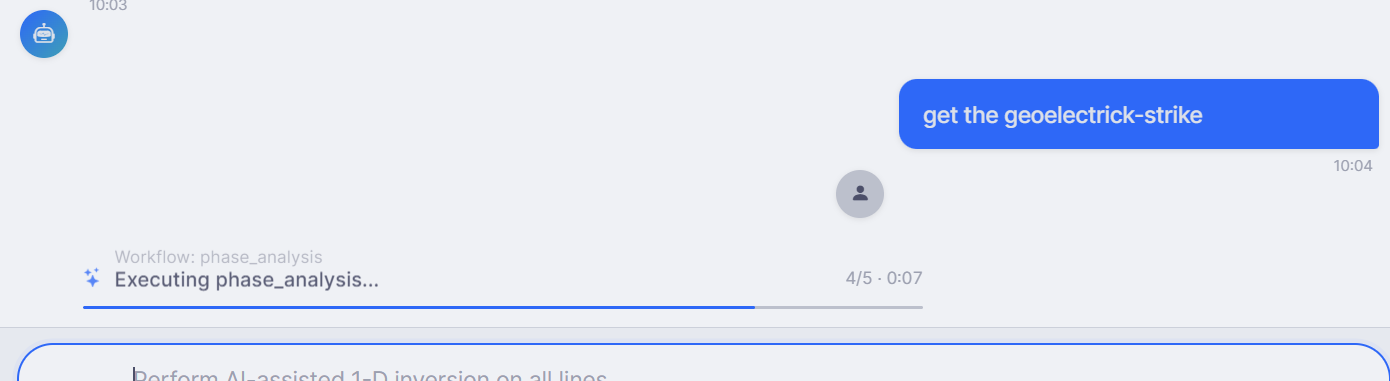
A request routed to phase_analysis, executing with a live progress bar
(Executing phase_analysis… 4/5). Each workflow reports its step count and
elapsed time as it runs.#
5.4.3. Choosing Lines#
When several survey lines are loaded, a workflow that acts per line first asks which lines to process — so a request like analyse only the line 22 is resolved explicitly rather than guessed.
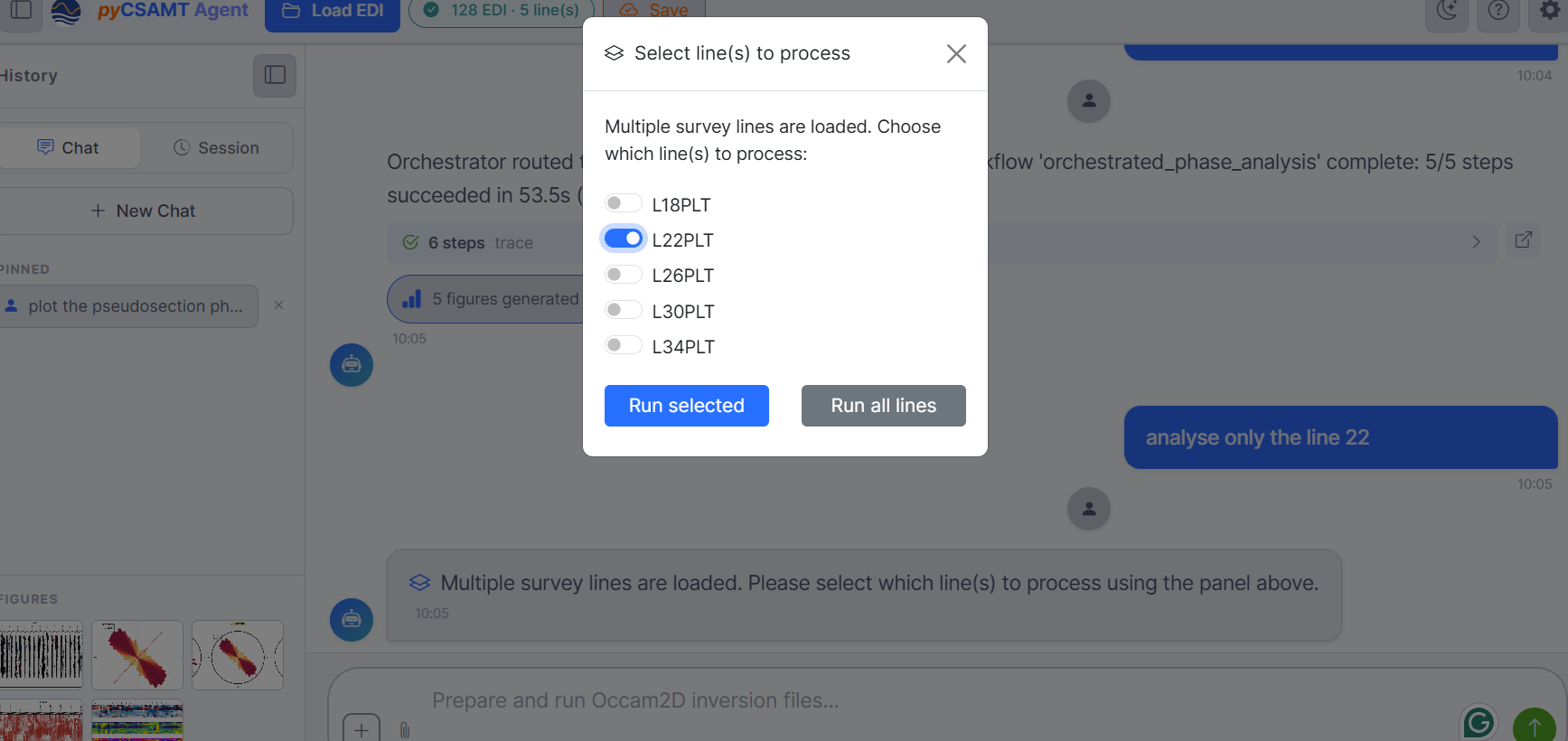
The Select line(s) to process panel: toggle the lines you want and Run selected, or Run all lines. Behind it, a completed run reports Orchestrator routed … workflow ‘orchestrated_phase_analysis’ complete: 5/5 steps succeeded, with a steps trace and 5 figures generated.#
5.4.4. Providing Parameters#
When a workflow needs settings, Agent Master opens a small in-chat form instead of guessing — you stay in control of the science.
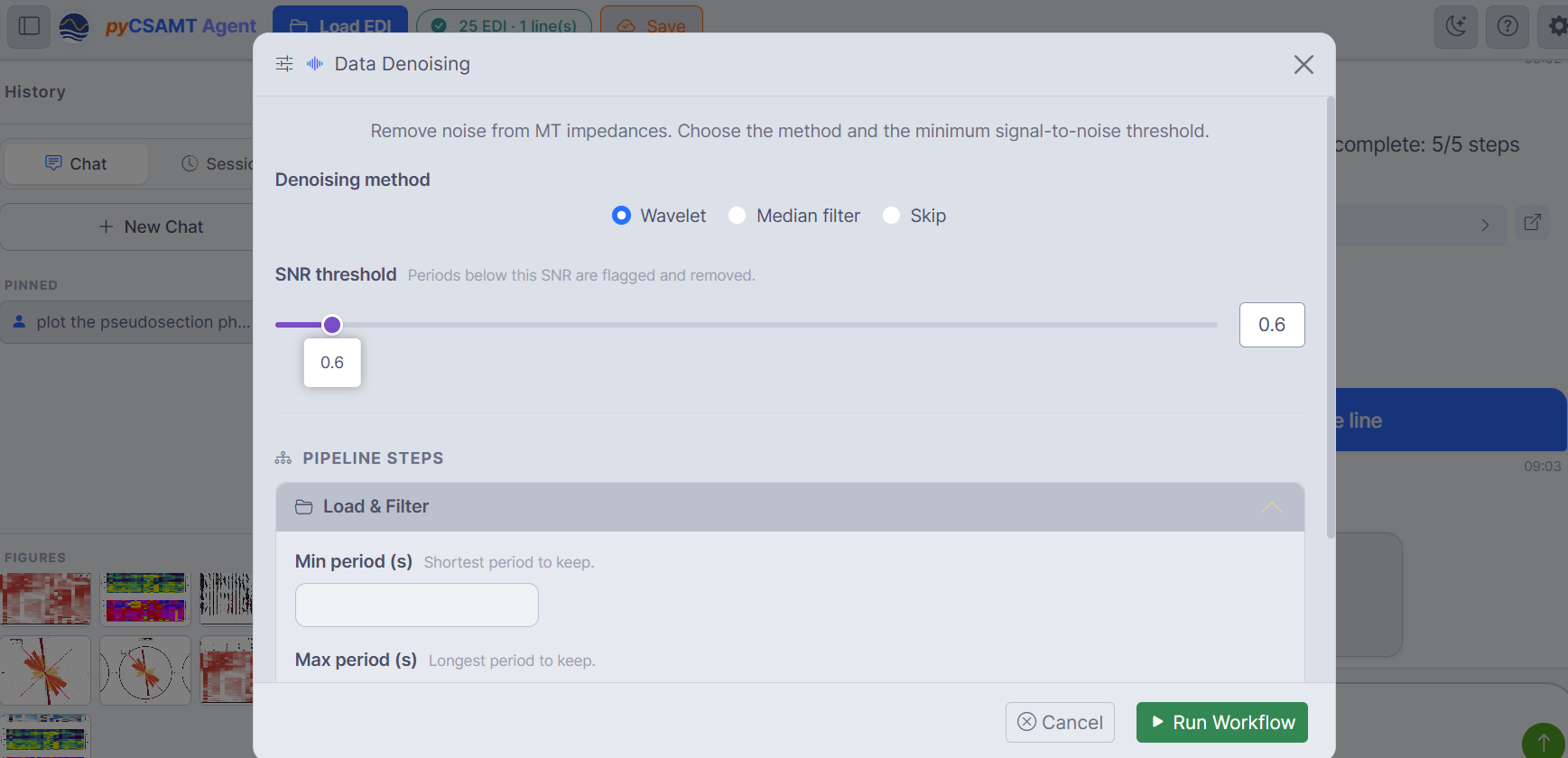
A denoising request opens a Data Denoising form: pick the method (Wavelet / Median filter / Skip), set the SNR threshold, expand the Pipeline steps for period limits, then Run Workflow.#
These forms expose exactly the parameters the underlying agent accepts, with sensible defaults, so you can accept the defaults or tune them before the run starts.
5.4.5. Orchestration, Traces, And Cost#
Every completed request reports what happened, and every field in that report traces back to the AgentResult the coordinator returned internally — none of it is written after the fact for display:
the routing decision — for example Orchestrator routed to ‘report’ workflow (3 steps);
the outcome — Workflow ‘orchestrated_report’ complete: 3/3 steps succeeded in 3.3 s;
the cost of any LLM calls —
$0.000000whenever Offline mode is active, since no provider is billed, and still frequently$0.000000with a provider configured, because most steps here are local numerical processing rather than LLM calls;an expandable steps trace and a count of figures generated.
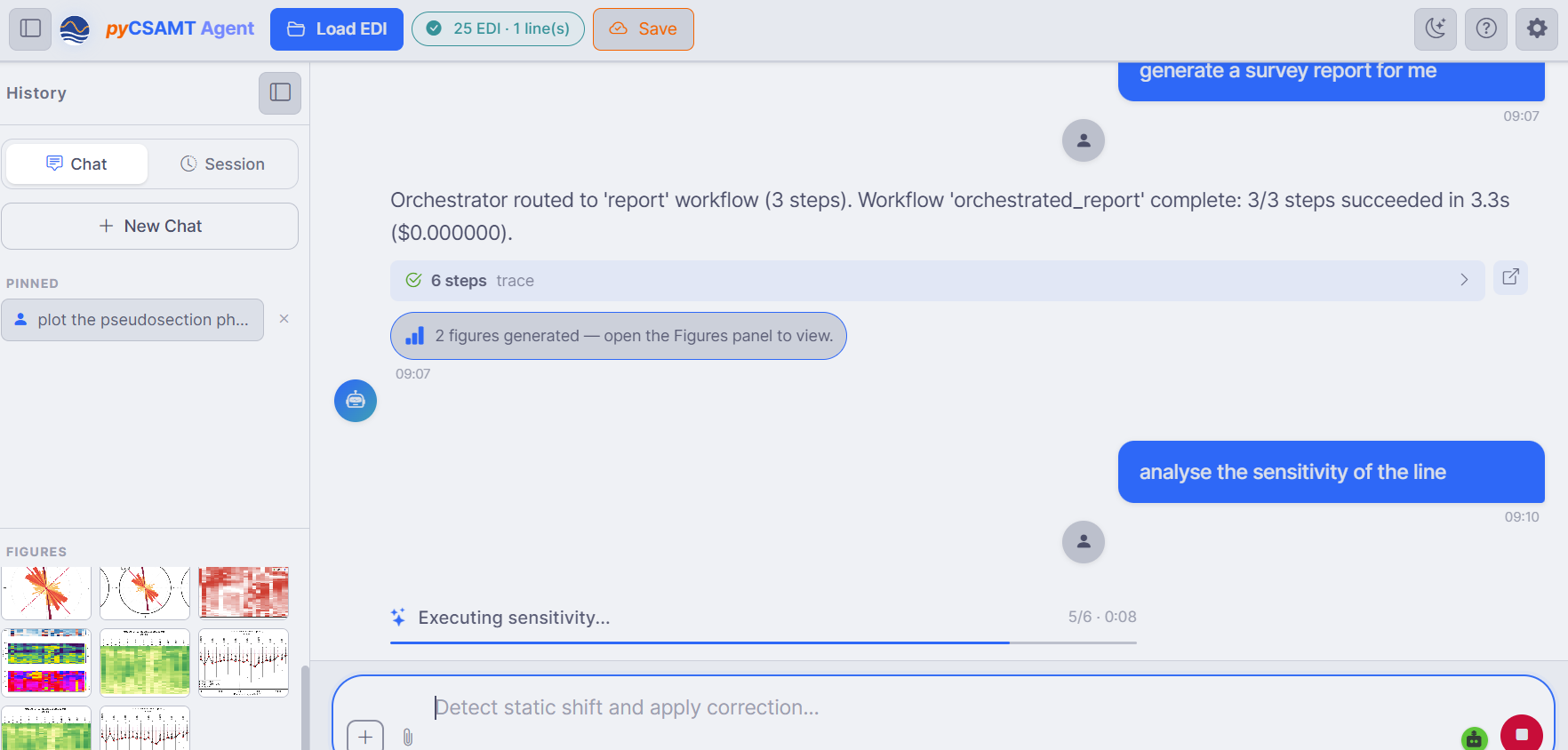
A report workflow completes (3/3 steps, with a trace and two figures),
then a analyse the sensitivity of the line request runs the
sensitivity workflow — while the Figures panel fills with the
thumbnails produced along the way.#
5.4.6. Chaining Requests#
Because the survey and the conversation persist, you can build up a session naturally — QC, then correction, then phase analysis, then a report — each request acting on the current state. You can also ask for a full pipeline in one message (run full pipeline: QC, inversion, and report) and let the orchestrator sequence the steps.
The agents Agent Master drives are the same ones documented in the agents user guide; the orchestrator that plans and sequences them is described in Workflow Orchestrator.
5.4.7. Next Steps#
Tools, Memory, And Outputs – traces, figures, generated code, and cost in depth.
LLM Configuration – the offline default and the optional model that sharpens request understanding.