
2. Hosted Applications#
Three of the four pyCSAMT application surfaces also run as hosted instances — the same Dash apps described in Overview, already running on a server, reachable straight from a browser. No install, no Python environment, no local server to keep open.
Each card below previews its app with the same walkthrough animation used in its guide. The secured, per-user hosted rollout is still in progress (see the note below the table) — click a card for its current status.
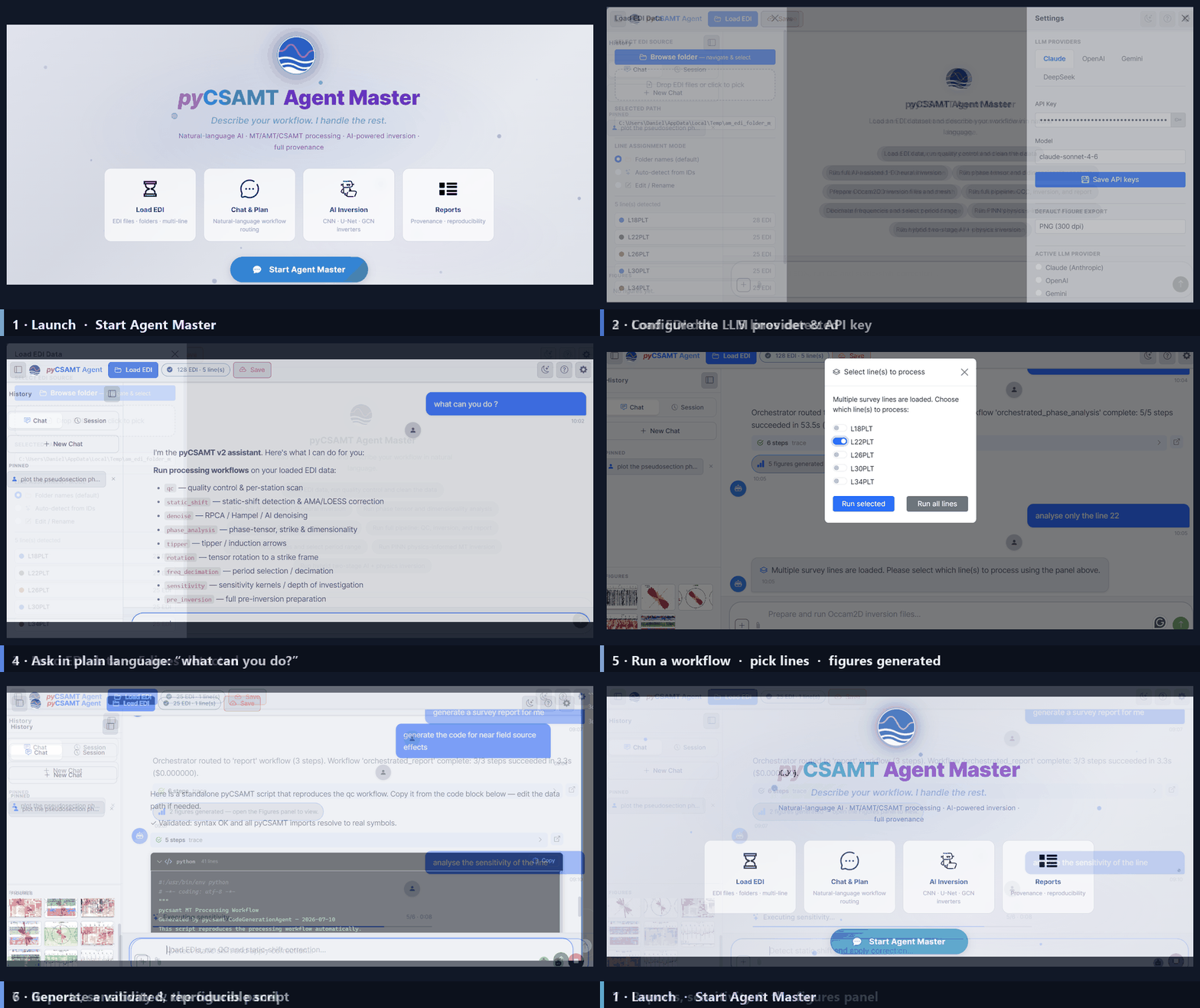
Conversational workflow surface — load EDI data, chat through a pipeline, and collect reports and figures.
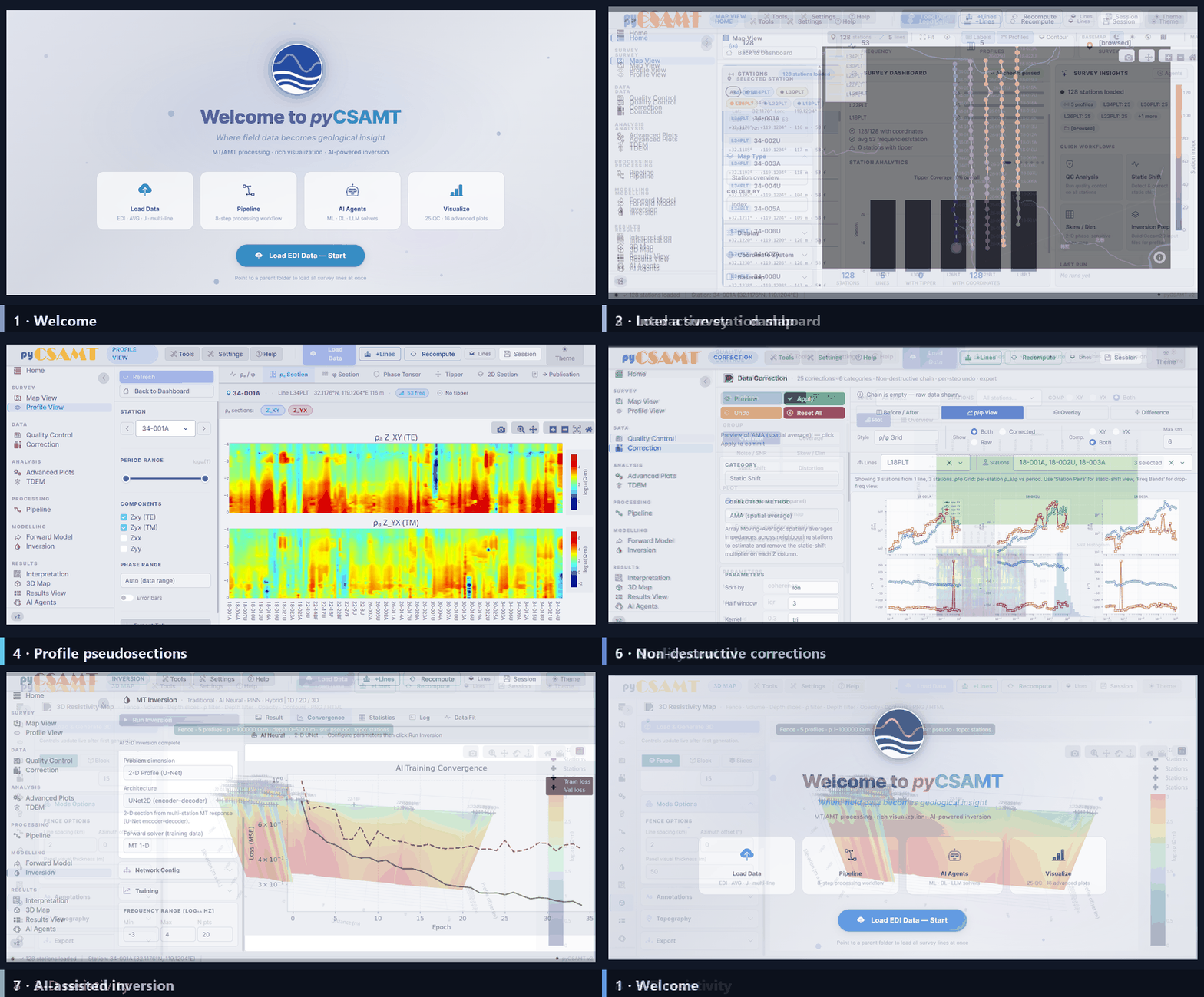
Browser dashboard for loading, processing, and visualizing EDI surveys end to end.
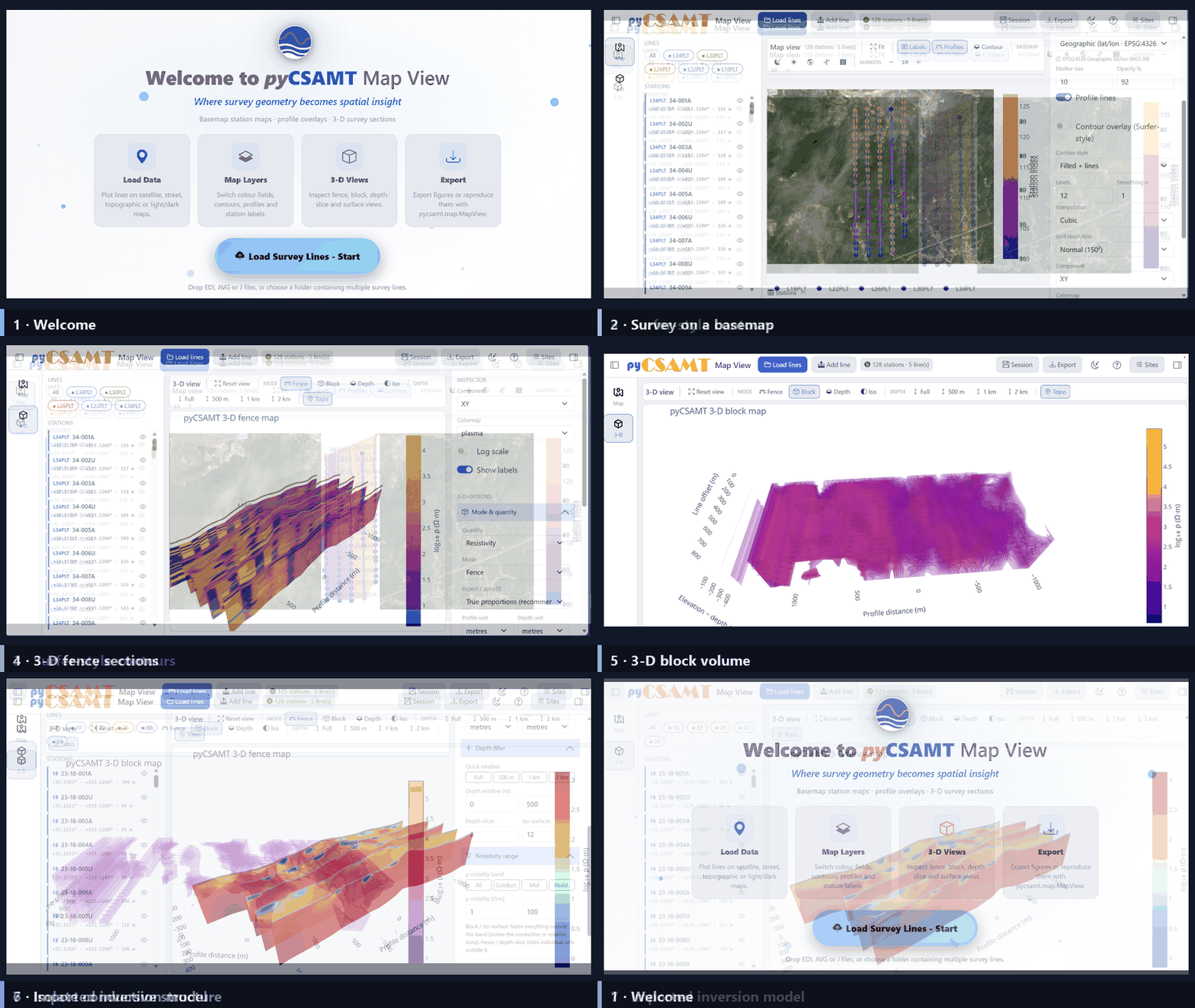
Dedicated map workbench for viewing survey lines and stations in space.
The desktop GUI has no hosted equivalent — it is a native application installed on your own machine; see Desktop GUI.
2.1. Choosing Hosted Or Local#
Hosted instance |
Your own install / server |
|
|---|---|---|
Setup |
None — open the link |
|
Where data lives |
The shared host running the instance |
Your machine, or a server you control |
Who can see loaded data |
Anyone using the same running instance |
Only you, or your trusted network / team |
Good for |
A first look, a demo, trying a workflow |
Real survey data, repeated work, private or team use |
If you decide local or self-hosted is the better fit, each guide’s Installation And Launch page covers it: Installation And Launch, Installation And Launch, Installation And Launch. For running your own instance behind a reverse proxy and authentication, see Deployment Notes.
Caution
Hosted instances are shared, unauthenticated demo servers, not a private workspace.
Do not load sensitive or confidential survey data through them — treat anything you load as visible to anyone else using the same running instance at the same time.
There is no login and no per-user isolation: loaded surveys, generated figures, and reports are held in server-side state shared by whoever is currently using that instance, the same way a single local install would be shared on a trusted LAN (see Deployment Notes).
AI API keys, when a hosted app asks for one, are kept in your own browser (
localStorage) and are never sent to or stored on the server — see Where State Lives in Deployment Notes for the full split between browser-held and server-held state.Availability is best-effort. For anything you depend on, run your own instance instead.
Note
A secured deployment — authentication and per-user data isolation — is in progress for these hosted instances. Until it ships, treat them as shared demo servers per the caution above, and check back on this page for the update.
2.2. Next Steps#
Overview – what each application surface is for.
Deployment Notes – host, port, and security considerations for running your own instance.